New Products
Wand’s €8,900 12-inch Dark-Light tonearm goes long at HIGH END Vienna 2026. Lower distortion, more rigidity, and finally, headshell lifts?
Hi, what are you looking for?

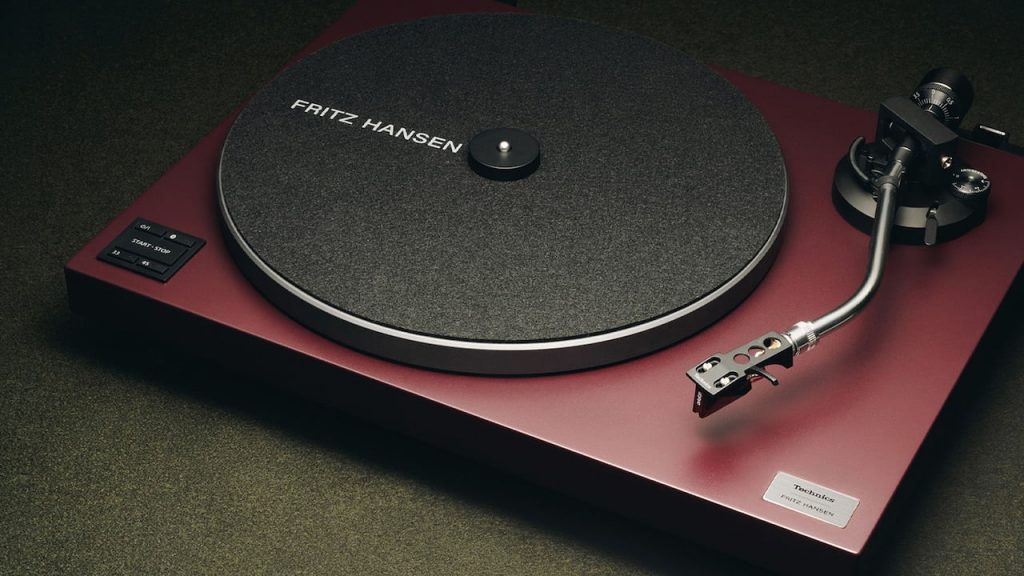
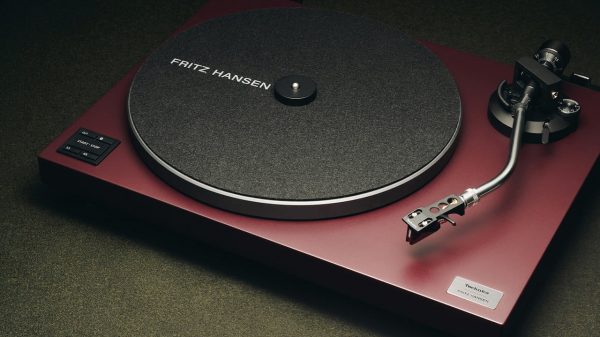
Technics gives the SL-40CBT Bluetooth turntable a limited Fritz Hansen makeover, proving Danish design still knows how to shame a living room.
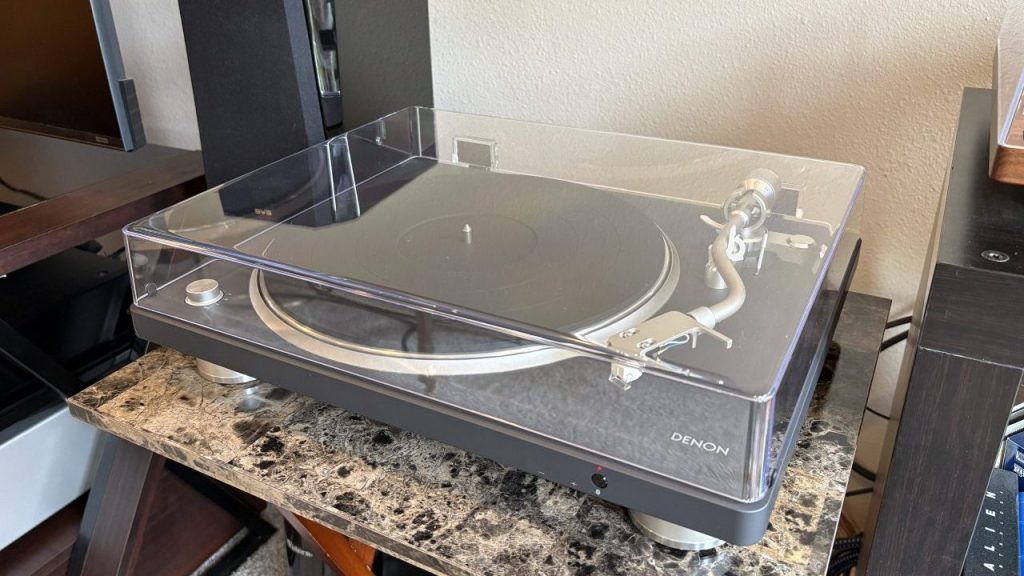
Can Denon’s DP-500BT bring wireless convenience to vinyl without sacrificing sound quality?
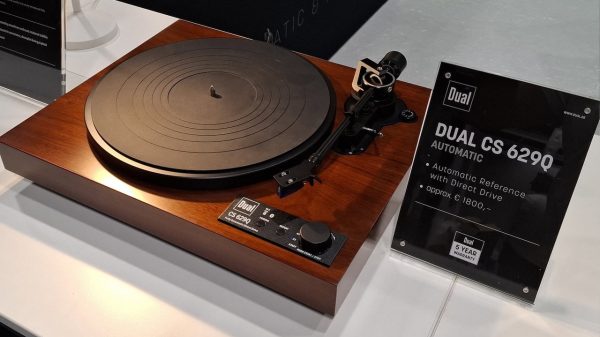
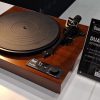
Dual CS 629Q turntable previewed at High End Vienna 2026 with fully automatic direct drive, app control, and expected €1,800 pricing.
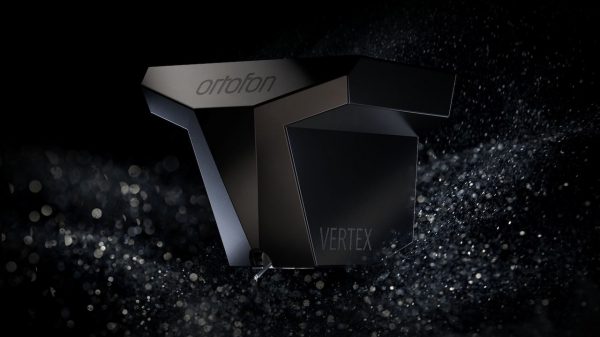
Ortofon debuts the $16,999 MC Vertex flagship phono cartridge and more attainable MC X50 at High End Vienna 2026.
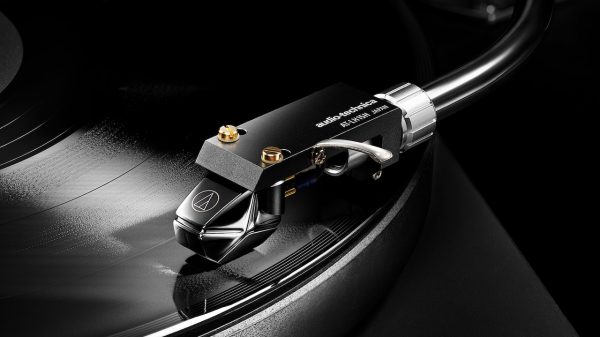
Is Audio-Technica’s $11,000 AT-MCD1, with its unified diamond stylus/cantilever, the brand’s boldest MC cartridge yet? That's a lot of records.
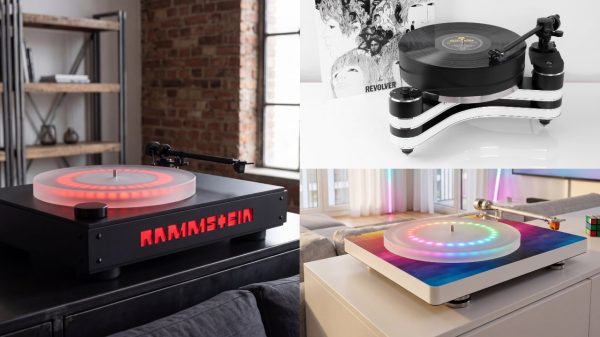

Clearaudio brings Beatles, Rammstein, gaming, and new analog hardware to High End Vienna 2026 with serious German engineering beneath the spectacle.
Wand’s €8,900 12-inch Dark-Light tonearm goes long at HIGH END Vienna 2026. Lower distortion, more rigidity, and finally, headshell lifts?
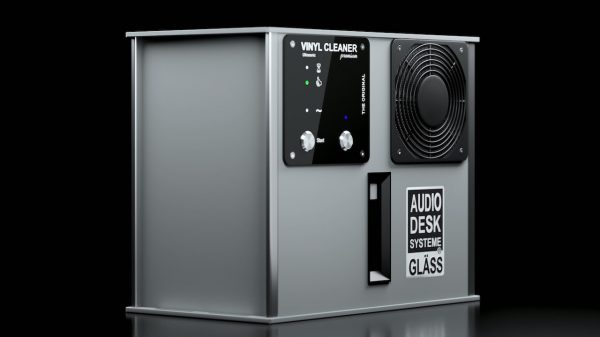
AudioDeskSysteme Gläss gives its $3,599 Vinyl Cleaner Premium the Silent Core One upgrade for quieter, faster ultrasonic record cleaning. Your dirty LPs have no...
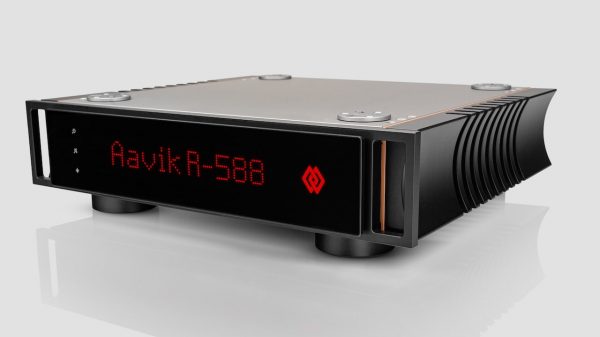
Are Aavik’s R-x88 Series the ultimate phono stages for MC and DS Audio optical cartridge users, or just Danish analog excess?
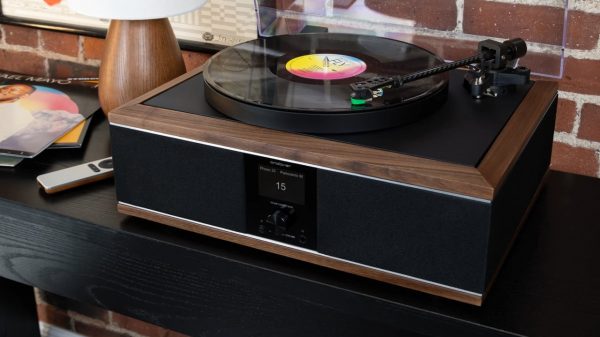
Andover Audio One MK2 adds auto stop, IsoGroove, Bluetooth, USB recording, and multi-room expansion. Is this the smarter vinyl system?
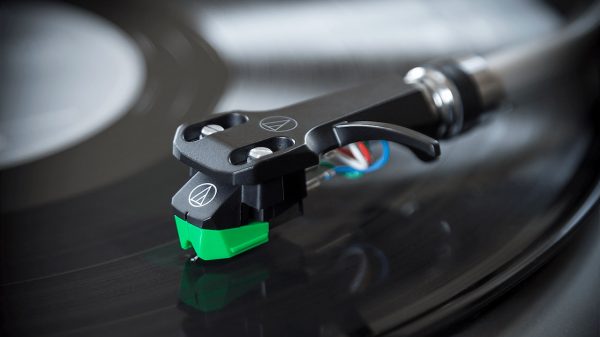

Audio-Technica expands its VM95 Series with the $74 AT-VM95EBK cartridge and $109 headshell combo kit for affordable vinyl upgrades.
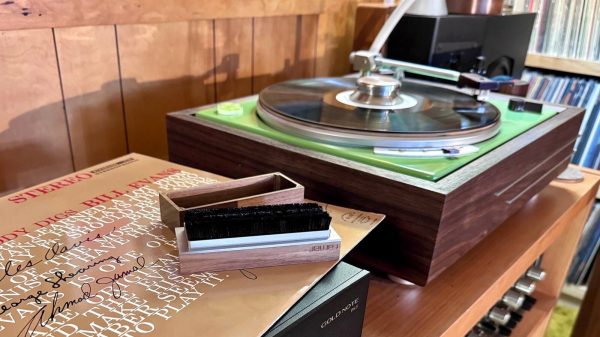
Clean, cleaner, cleanest: record cleaning options for vinyl collectors, from anti-static brushes to ultrasonic machines. What works?
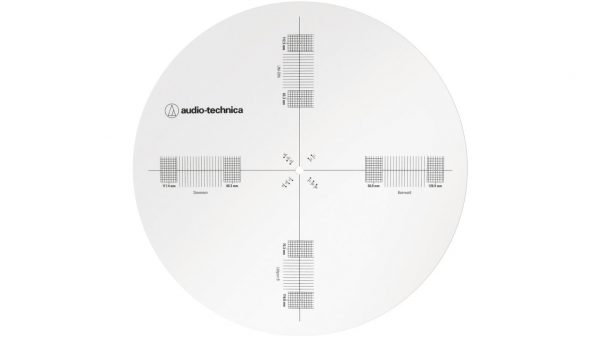
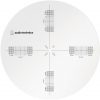
Audio-Technica launches new turntable accessories for cartridge alignment, platter speed calibration, phono cables, and headshell wires.
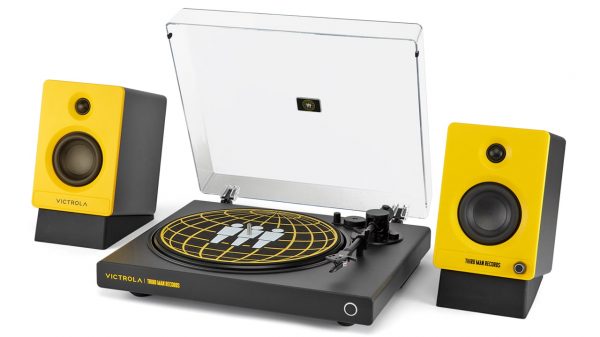
Victrola and Third Man Records debut a limited edition turntable and speaker system for Record Store Day 2026, combining vinyl playback with Bluetooth and...
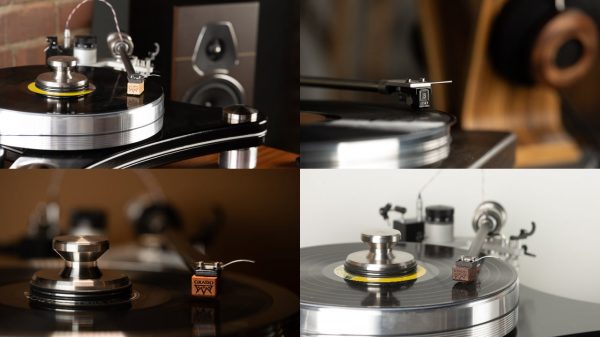
Grado updates its phono cartridge lineup with refined stylus, OCC copper coils, and improved designs across Lineage, Timbre, and Prestige series.
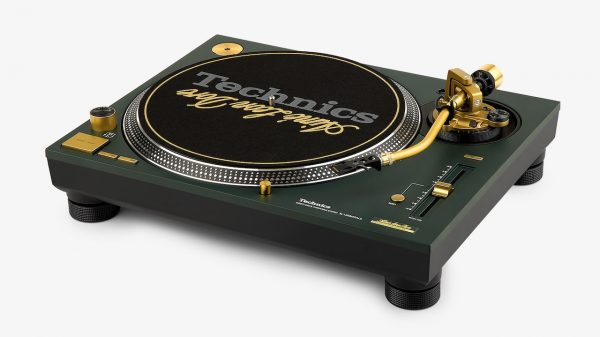

Technics x Aimé Leon Dore SL-1200M7ALD lands at $2100. Just hype or a smart play on vinyl’s billion dollar comeback?
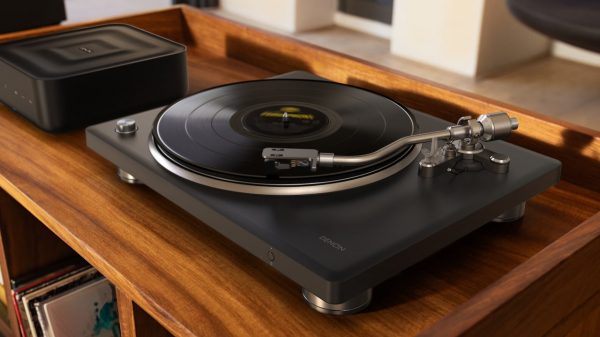
At $899, Denon’s DP-500BT turntable streams vinyl records wirelessly via Bluetooth to speakers and includes a built-in phono preamp.