Blu-ray, DVD & 4K Media Players
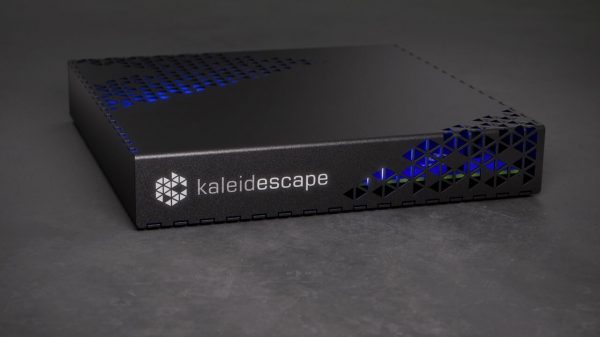
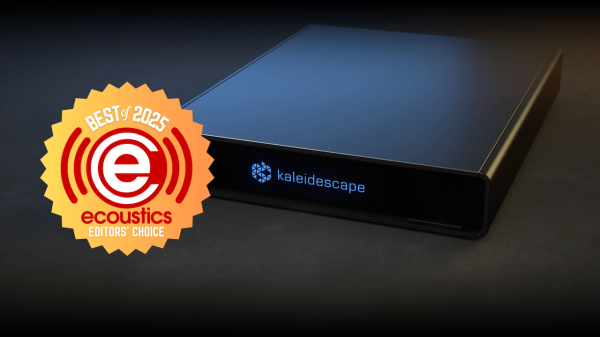
At only $1,995, Strato M is Kaleidescape's lowest cost movie server/player, but there is a catch.
Hi, what are you looking for?

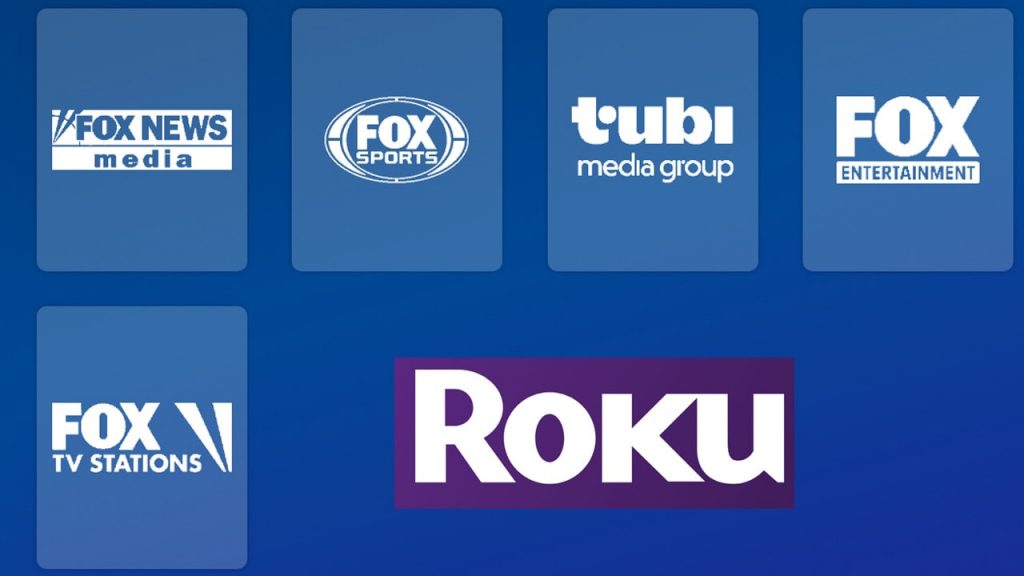
Fox’s $22B Roku deal gives it the TV home screen, Tubi scale, and ad data. But what happens when Fox owns the remote?
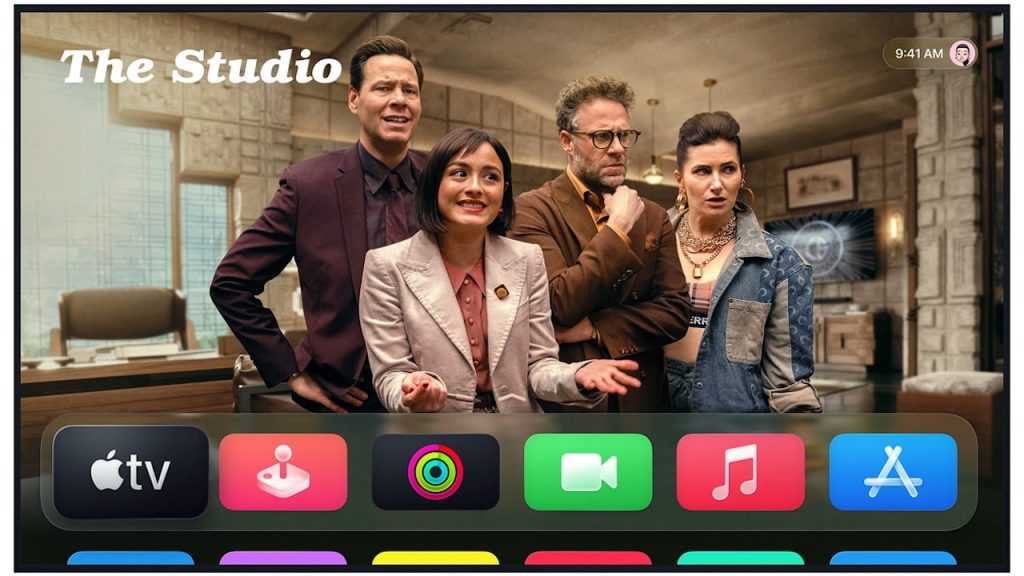
tvOS 27 could make Apple TV 4K faster, smarter, and more useful, but Apple's AI plans and next hardware remain unconfirmed.


Less searching, more streaming. Seems like a simple concept, right? Roku would agree, and is making a big change to their user interface in...
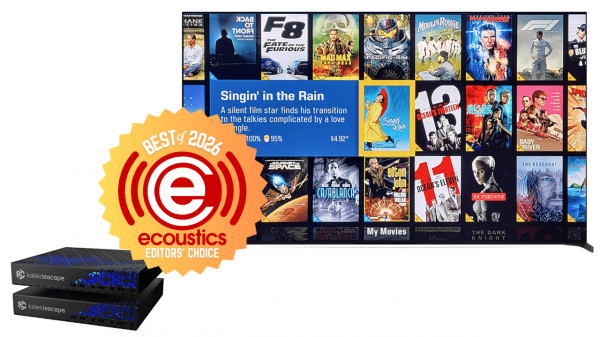

We pair Kaleidescape's most affordable 4K player with its most compact movie server for a killer media library solution. Is it worth the investment?
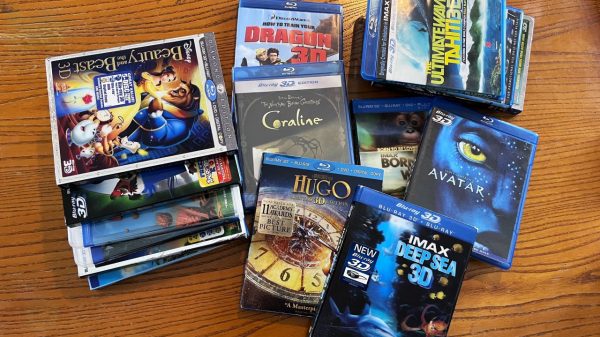

3D never died, it evolved. Today’s high output home theater projectors bring Blu-ray 3D films to life with sharper detail, deeper immersion, and a...
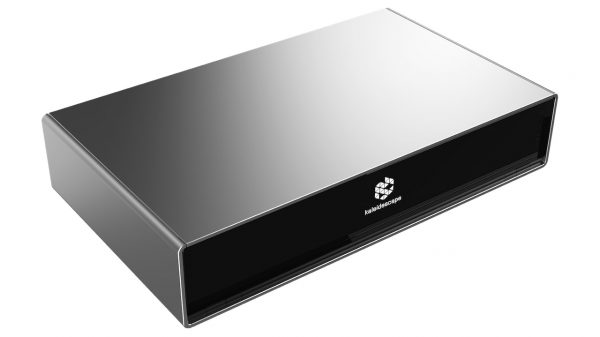
Kaleidescape’s $34,995 Terra Prime 120TB Movie Server stores 2,000 4K movies, and downloads in minutes over 2.5G Ethernet with lossless audio.
At only $1,995, Strato M is Kaleidescape's lowest cost movie server/player, but there is a catch.


This 3-part video series explains the differences between DVD, Blu-ray, and 4K UHD disc players and formats, and what works best with your TV...
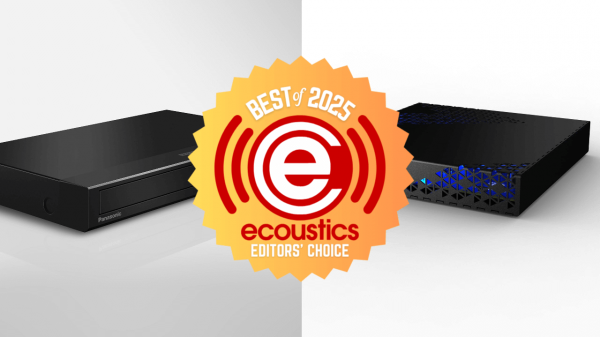

Whether from disc or digital downloads, our Editors' Choice picks for best media players and Blu-ray Disc players will help your favorite movies and...
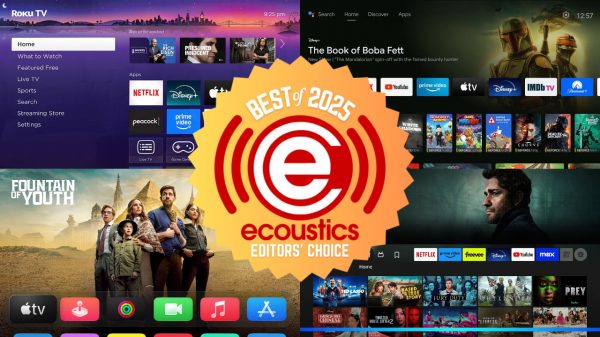

I stream, you stream, here are our choices for the best video streaming devices of 2025.
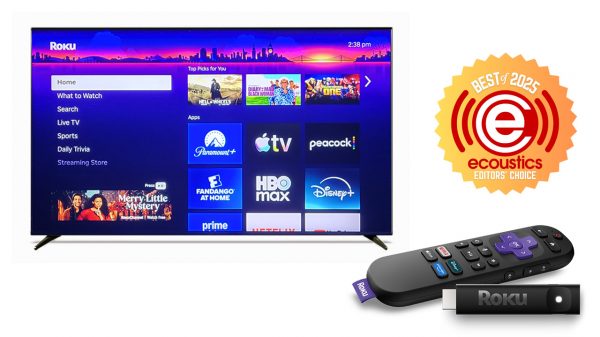
Roku's budget-friendly 4K streaming stick may not have Dolby Vision or an ethernet port, but for the price, it's hard to beat.
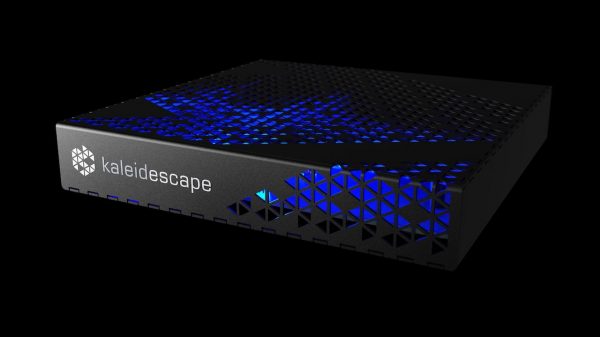
Kaleidescape’s new Mini Terra Prime delivers fast 4K downloads, silent operation, and 8TB of storage for about 125 high-bitrate films—its most accessible high-performance movie...
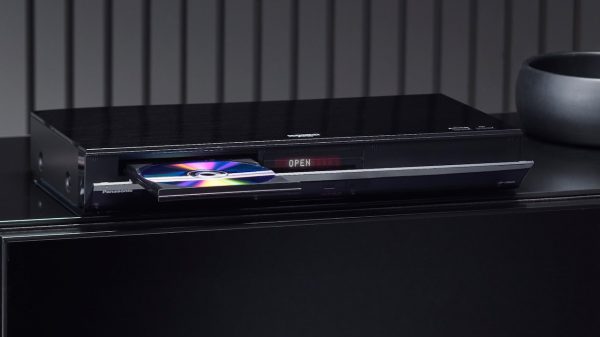

Because your streaming service doesn't cut it and these are 4K Blu-ray players in 2025 that still matter.
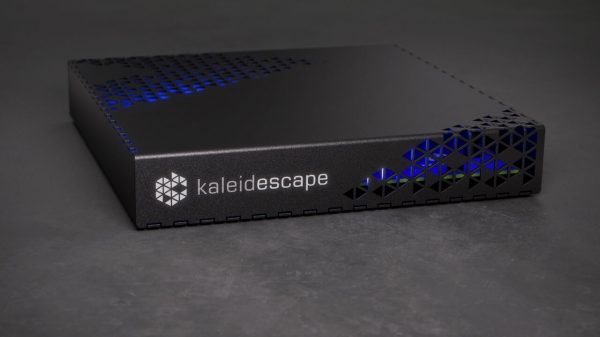
Your ticket to watching movies on a Kaleidescape 4K movie server just got a $1,000 cheaper, but are the trade-offs worth the discount?
The Quality of Physical Media, The Convenience of Digital Download.

ZapperBox M2 tunes into free over-the-air 4K TV at a lower price than M1, while M3 extends signals to other TVs.

Tired of paying through the nose for subscription-based TV services? ZapperBox may be your salvation.